


Filtry
2 produkty
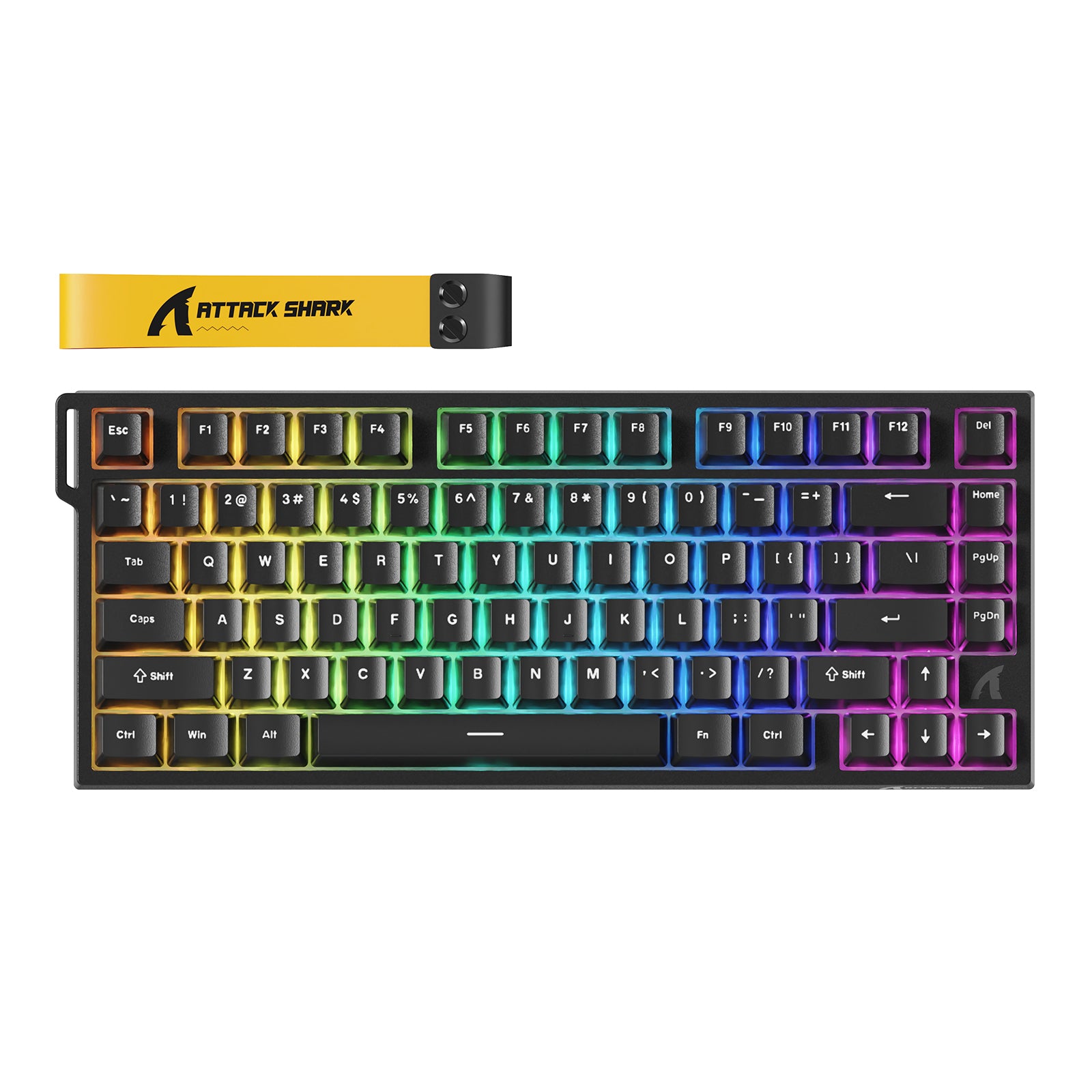
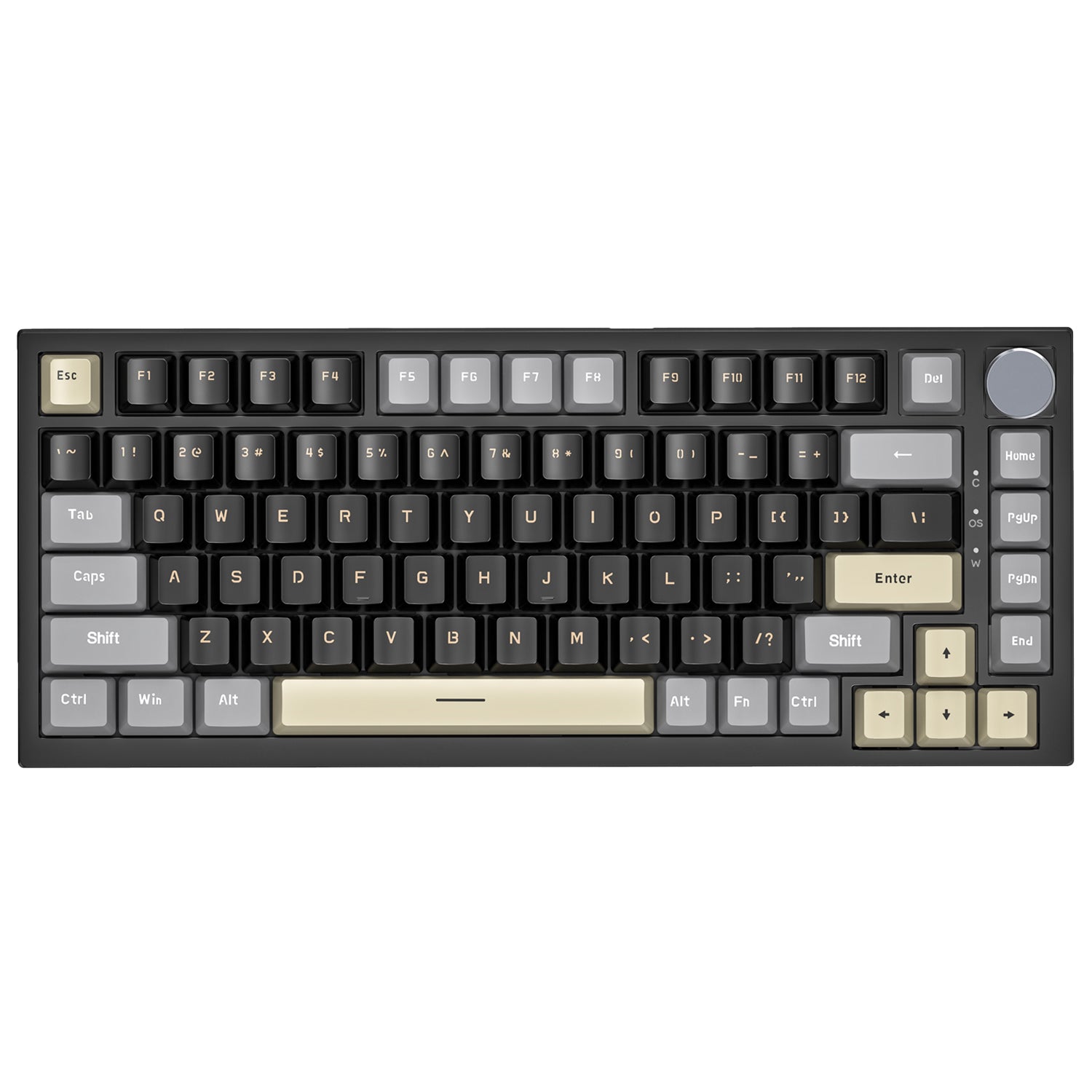

ATTACK SHARK 75% HE keyboards pair a compact 75% layout with Hall Effect magnetic switches, Rapid Trigger, and adjustable actuation — the full function row stays, the desk clutter goes. Built for FPS players who want faster inputs and anyone who games and types on the same board. Compare the R82 HE, K85, and R85 HE below to choose the speed, feel, and controls that fit your setup.
Which 75% HE Keyboard Should You Choose?
Three boards, three priorities. Here's the short answer:
- Choose the R82 HE if you want 8K competitive performance without the R85 HE's knob and RGB lightbox. Its 8000Hz polling rate, 0.08ms latency, 0.005mm Rapid Trigger accuracy, Snap Tap, and 0.1–3.4mm actuation range target fast FPS inputs.
- Choose the K85 if feel and durability come first. Double-shot PBT keycaps resist shine, the gasket mount softens each keystroke, and FN+1–4 swaps between Comfort, Sensitive, Game, and Custom modes without software.
- Choose the R85 HE if you want 8K speed plus dedicated controls and lighting. It lists the same 8000Hz polling rate, 0.08ms latency, and 0.005mm Rapid Trigger accuracy as the R82 HE, then adds a multimedia knob, a custom RGB lightbox, double-shot PBT keycaps, and a 0.1–3.3mm actuation range.
Feature | R82 HE | K85 | R85 HE |
|---|---|---|---|
Layout | 75%, 80 keys | 75%, 82 keys ANSI | 75%, 79 keys |
Rapid Trigger | 0.005mm accuracy, zero dead zone | Yes, with deadzone setting | 0.005mm accuracy, zero dead zone |
Adjustable Actuation | 0.1–3.4mm; 0.005mm steps | 0.2–3.8mm; 0.1mm steps | 0.1–3.3mm; 0.005mm steps |
Polling Rate / Latency | 8000Hz; 0.08ms | Not specified on product page | 8000Hz; 0.08ms |
Key Features | Snap Tap, DKS, MT, TGL, hot-swap | DKS, MT, TGL, FN preset modes | Snap Tap, DKS, MT, TGL, knob, hot-swap |
Structure & Keycaps | Top mount, 5-layer dampening, PBT, RGB | Gasket mount, PBT, RGB | Top mount, 5-layer foam, PBT, RGB lightbox |
Connection / MSRP | USB-C wired / $72.99 | USB-C wired / $79.99 | USB-C wired / $79.99 |
All three boards store settings in on-board memory, so your setup follows the keyboard to another compatible computer without keeping the software open.
How to Choose: Quick Buying Checklist
- Compare polling rate if you play competitive FPS — the R82 HE and R85 HE list 8000Hz, while the K85 product page does not specify a polling rate.
- Compare the actuation range and adjustment step: the R82 HE covers 0.1–3.4mm and the R85 HE covers 0.1–3.3mm, with both product pages listing 0.005mm steps; the K85 covers 0.2–3.8mm in 0.1mm steps.
- Compare mounting and sound treatment: the K85 gasket mount uses a PC plate, while the R82 HE and R85 HE use top-mount structures with five layers of sound-dampening material.
- Compare bundles if you're building a themed desk — the K85 offers options with a coiled cable and accent keycaps.
- Choose the R85 HE for a multimedia knob and custom RGB lightbox if dedicated volume control and a stronger lighting accent matter to your setup.
What Makes HE Keyboards Different?
HE (Hall Effect) magnetic switches sense key travel continuously instead of clicking at one fixed point. That's what enables adjustable actuation and Rapid Trigger, which resets a key the instant it lifts — faster repeat presses, quicker counter-strafing.
Compared with traditional key switches: red switches are linear with a fixed actuation point, and tactile switches add a bump you can feel. Magnetic switches feel linear and smooth, but you define the actuation depth per key. Choose magnetic if customization and speed matter most; stay tactile if you specifically want physical typing feedback.
1K vs 8K Polling Rate: Does It Matter?
USB polling rate means how often your keyboard reports to your PC — 1000Hz reports every 1ms, 8000Hz every 0.125ms. The R82 HE and R85 HE both list 8000Hz polling and 0.08ms latency; the K85 product page does not state a polling rate. For most players, 1000Hz feels responsive; 8000Hz offers more frequent USB reports for competitive players using high-refresh setups. For casual play and work, actuation feel usually matters more.
Complete Your Setup
A 75% layout frees desk space — a coiled cable keeps routing clean, and a wrist rest can help support longer sessions. ATTACK SHARK also carries keycaps, switch pullers, and desk accessories for a matching build. The R82 HE and R85 HE support hot-swapping with compatible N-pole-down magnetic switches; confirm switch compatibility before replacing them.