


Attack Shark Mouse Polling Test
Mouse polling rate results are estimates
This web tool can only estimate the polling rate from browser events. Browser throttling, event coalescing, system scheduling, page focus, and device drivers can all affect the displayed Hz.
Use the result as a reference only.
How To Use
1. Start Testing
Click the START button to begin. This activates high-frequency tracking inside the page. Keep the pointer in the browser window while the test is running.
2. Move Your Mouse
Move your mouse continuously in circles or side-to-side. The faster and more consistent your movement, the more accurate the polling rate reading will be.
3. Analyze Graph
The blue line represents your real-time polling rate (Hz). A flat, stable line indicates a consistent sensor performance. Drops indicate instability.
4. Scale & Controls
Use the dropdown to set the Max Hz (e.g., 1000Hz or 4000Hz). Use PAUSE to freeze the data or RESET to clear all history.
FAQ & Knowledge
Polecana kolekcja
Posty na blogu
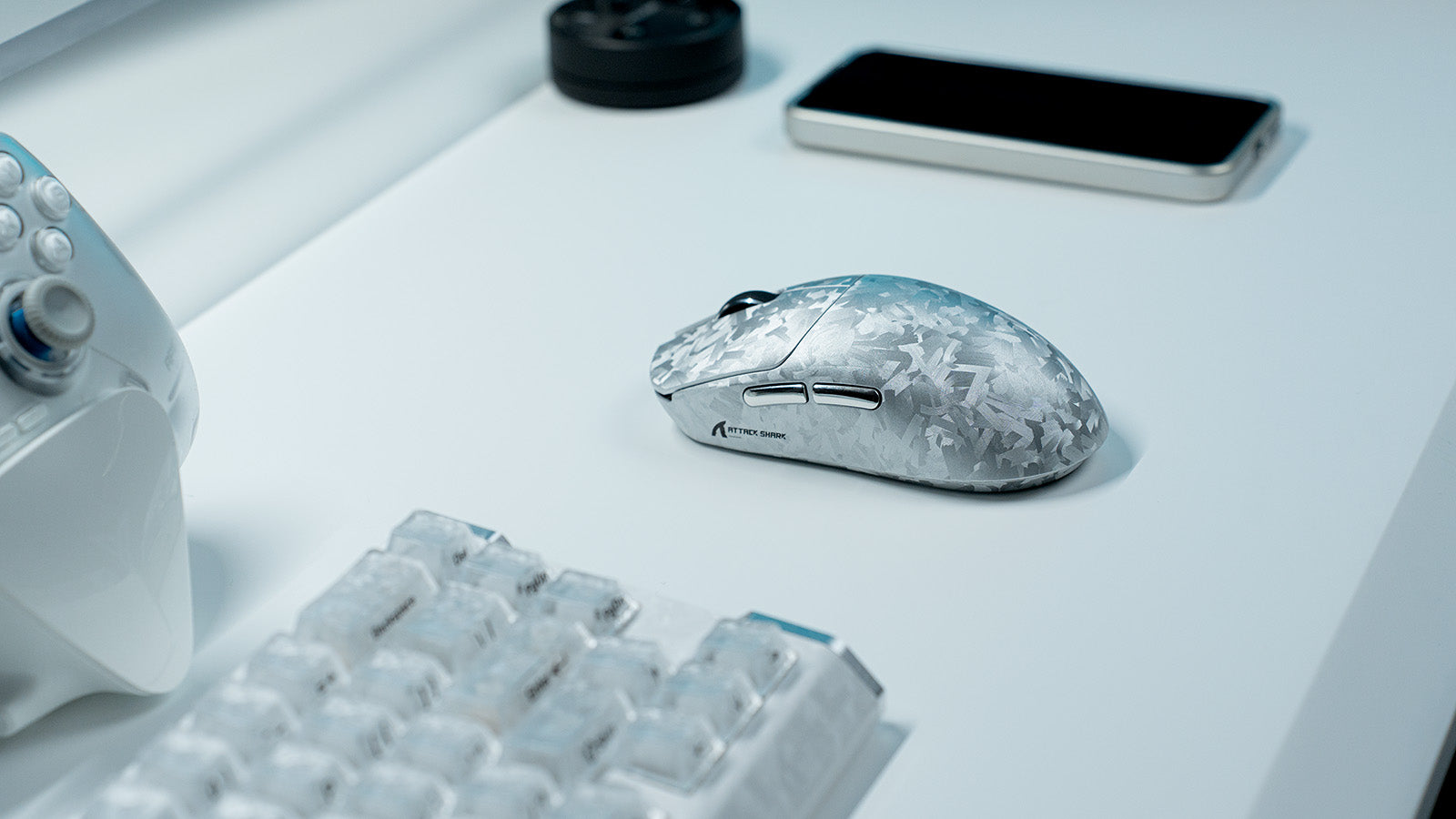
Najlepszy zestaw peryferiów dla graczy MOBA (League of Legends i Dota 2)
Praktyczne wskazówki dotyczące ustawień obejmują przyciski myszy MMO, ustawienia myszy do gier MMO, klawiatury z szybkim wyzwalaczem, makra klawiatury MMO oraz świadomość mapy.
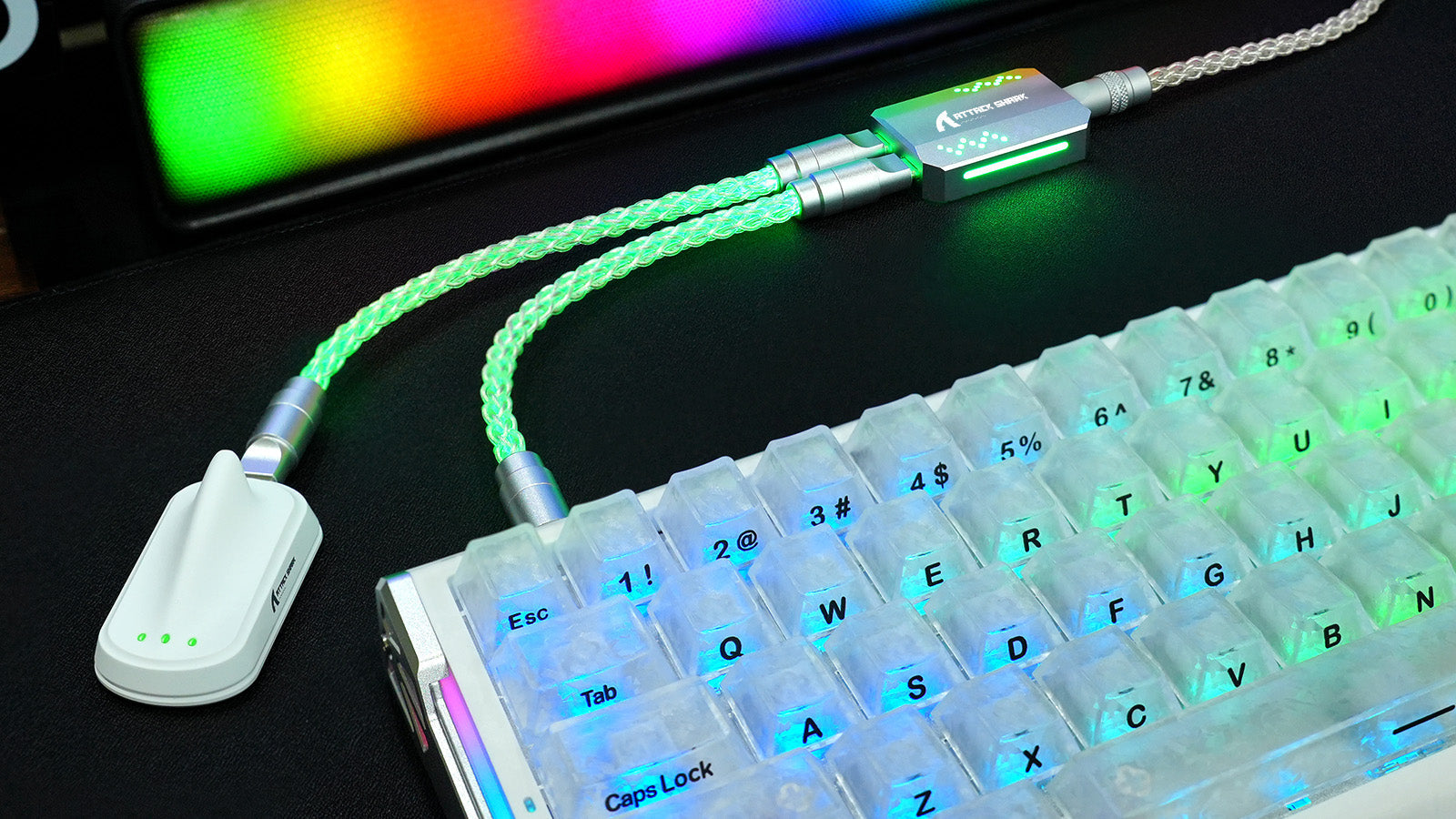
Czy skręcane kable do klawiatury służą tylko do ozdoby?
Poznaj pięć zalet zwiniętego kabla do klawiatury: lepsze zarządzanie kablami, łatwiejsza wymiana urządzeń, zwiększona trwałość, indywidualny styl oraz bardziej uporządkowane stanowisko pracy.
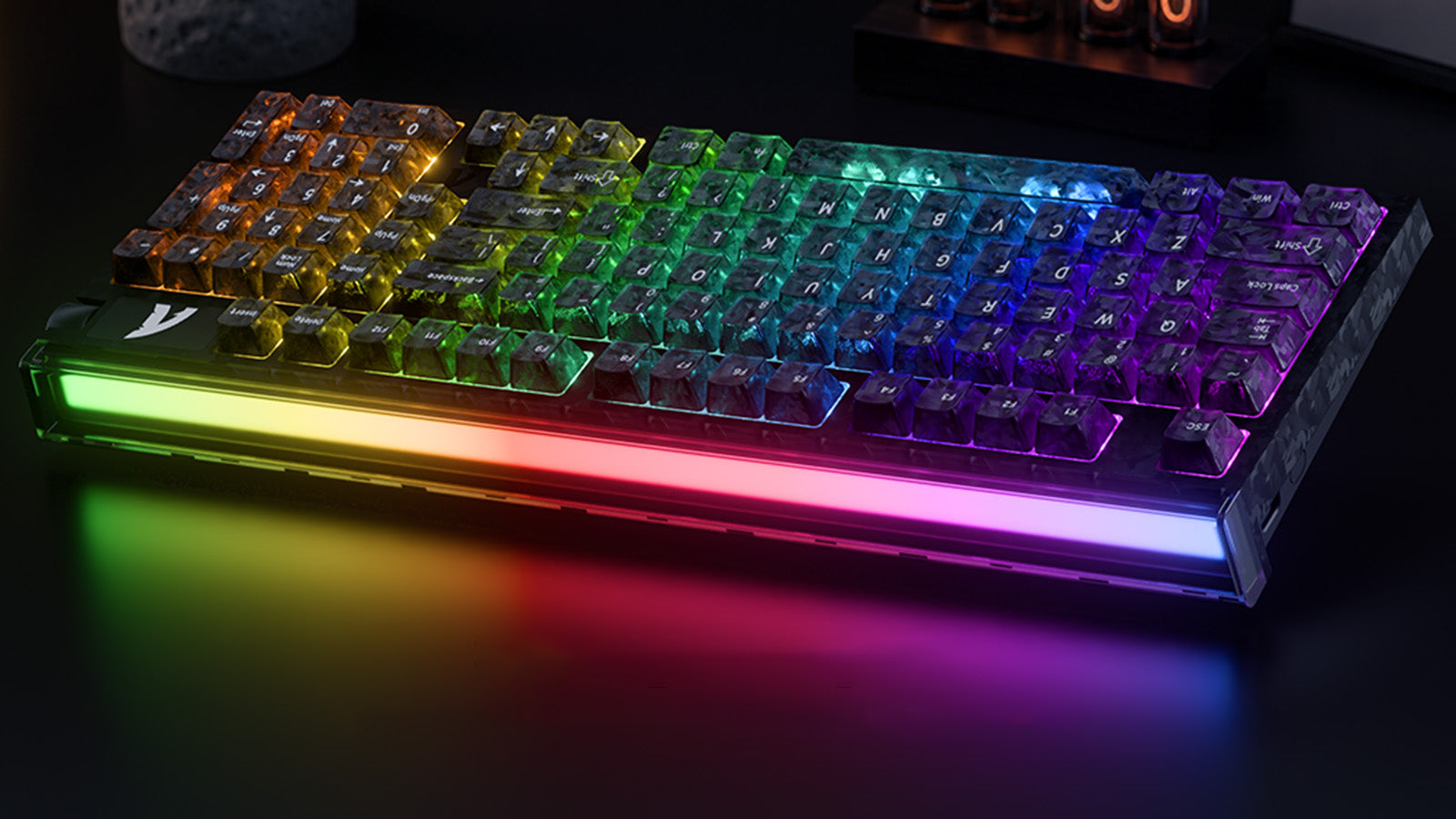
Czy rzeczywiście szybkość skanowania klawiatury ma znaczenie w grach?
Profesjonalne skanowanie 256K, odświeżanie 8000Hz, czujniki Halla oraz regulacja Rapid Trigger o precyzji 0,005 mm pomagają zmniejszyć opóźnienie wprowadzania z klawiatury.